 Borealbit QR
Free Wi-Fi QR Code Generator
Help guests connect. Create a Wi-Fi code or a card to display.
01 Content
WPA3-only and enterprise networks are not supported. Check your router’s security setting before sharing.
Enter your Wi-Fi network name.
Make it yours
Export
Static code. No expiry. No redirect service.
QR content stays in your browser.
View your preview ↓02 Preview
Add your details to get started
Scene preview only. Your download contains the selected code or card.
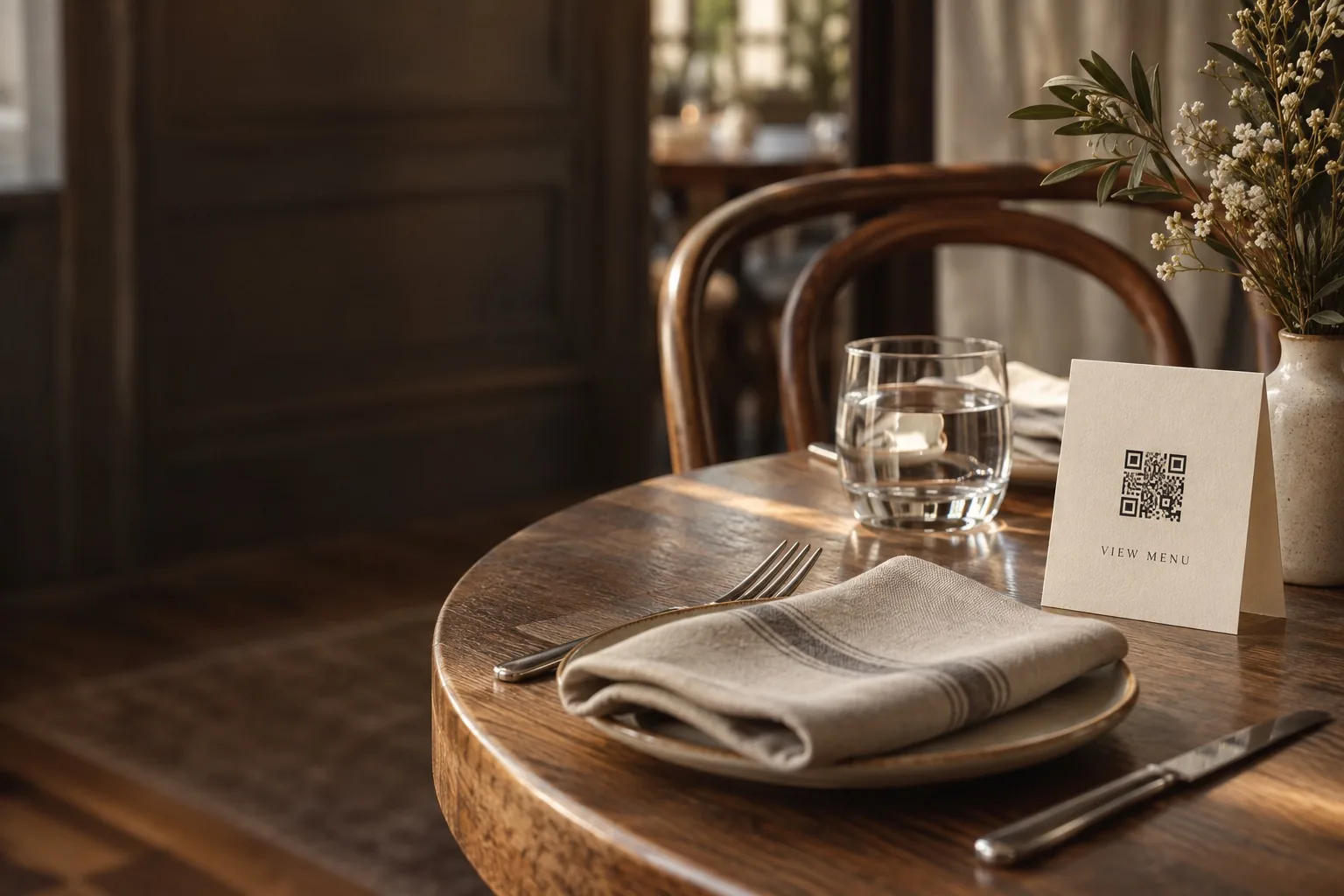 For hospitalityShare your guest Wi-Fi.
 For retailCreate a printed QR card.
Add your content
Enter your website or Wi-Fi details.
Make it yours
Choose colors, a logo, and card text.
Download & share
Get your QR code or a print-ready card.
Help guests join your Wi-Fi network
Make a guest Wi-Fi code
Enter the network name exactly as it appears on your router, select its security type, and enter the password if required. Mark hidden networks when applicable. Download a PNG or SVG, or choose Printable card for a guest sign.
Which networks are supported?
The generator offers WPA / WPA2 Personal, legacy WEP, and open networks. WPA3-only and enterprise networks are not supported. Connection behavior varies by phone and network, so test with a guest device before displaying the code.
Does the code contain my password?
Yes. Wi-Fi QR codes encode the network credentials, and anyone with the code can read them. The basic generator processes these details in your browser. Use a guest network and share the code only with people you want to give access to. Generate a new code if the credentials change.