 Borealbit QR
A thoughtful way to connect.
Create a QR code for your website. Make it yours, then share it with the world.
01 Content
Your link, ready to share.
Make it yours
Export
Static code. No expiry. No redirect service.
QR content stays in your browser.
View your preview ↓02 Preview
Your preview will appear here
Scene preview only. Your download contains the selected code or card.
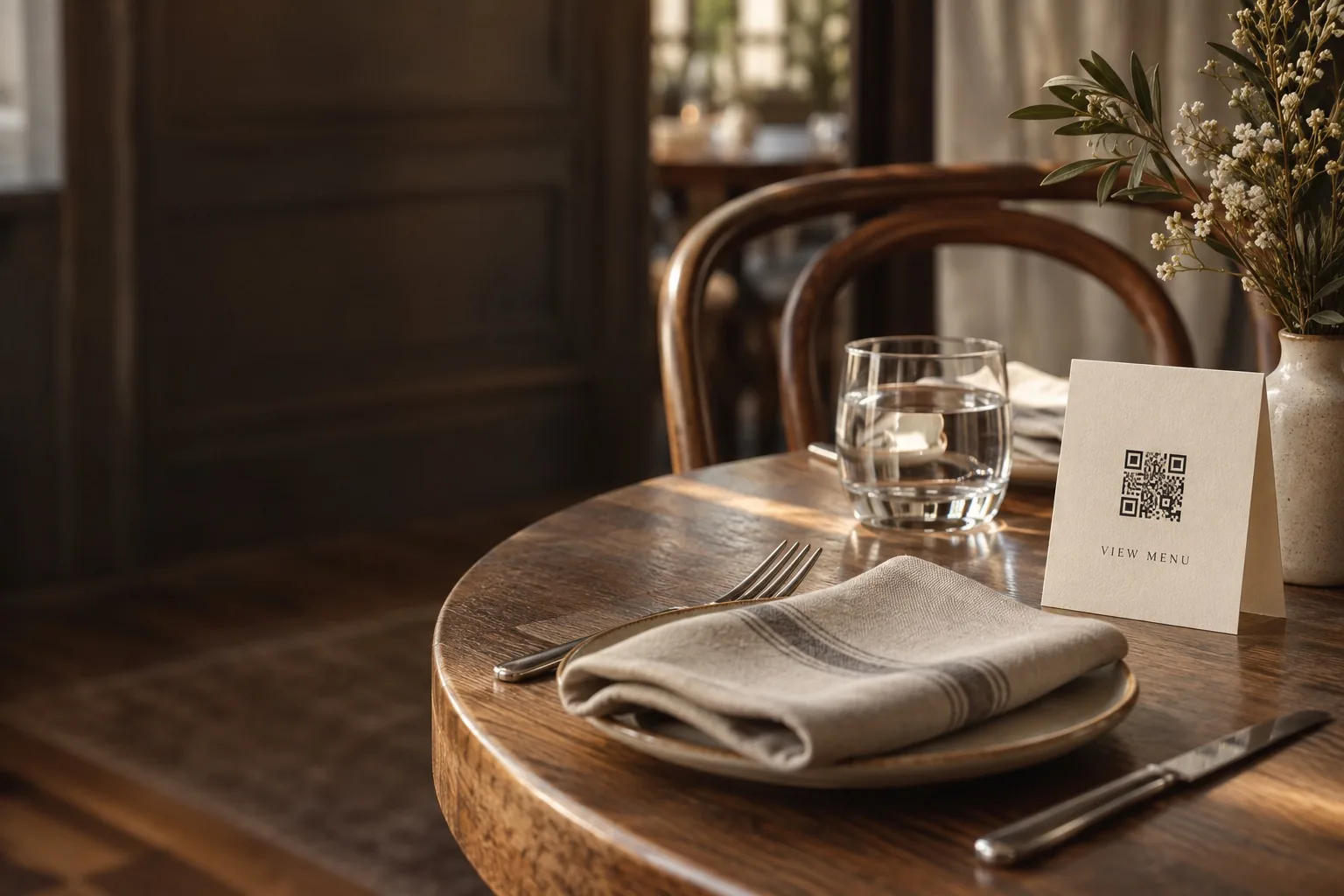 For hospitalityShare your guest Wi-Fi.
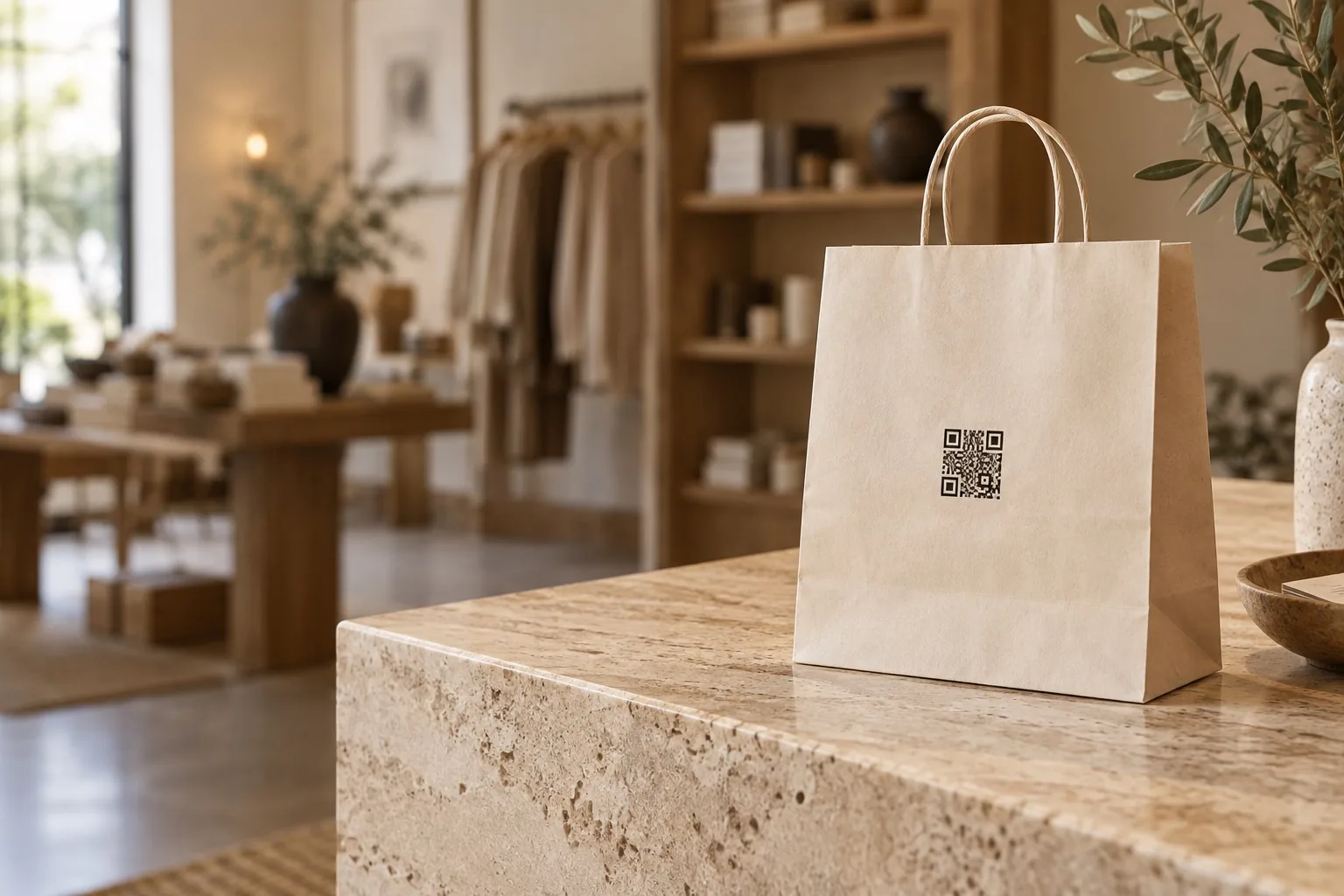 For retailCreate a printed QR card.
Add your content
Enter your website or Wi-Fi details.
Make it yours
Choose colors, a logo, and card text.
Download & share
Get your QR code or a print-ready card.
Share a website with a static QR code
Create and download your code
Enter your website address, choose contrasting colors, and optionally add a logo. Download a 1200 × 1200 PNG for everyday sharing or an SVG for scalable artwork. No account is required.
Does the QR code expire?
Borealbit QR does not set an expiration date or route scans through a redirect service. Your static code contains the website address itself. The destination must remain available for the link to work.
Can I change the link later?
The address inside a downloaded code cannot be edited. If your destination address changes, generate and distribute a new code. Scan your final design with a phone before sharing or printing it.