 Borealbit QR
Printable QR Code Cards
A link or Wi-Fi network, ready to display. Free 4 × 6 inch cards and US Letter PDFs.
01 Content
Your link, ready to share.
Make it yours
Card text For printable cards
Export
4 × 6 in card · Print PDF at 100% / Actual Size.
QR content stays in your browser.
View your preview ↓02 Preview
Your preview will appear here
Scene preview only. Your download contains the selected code or card.
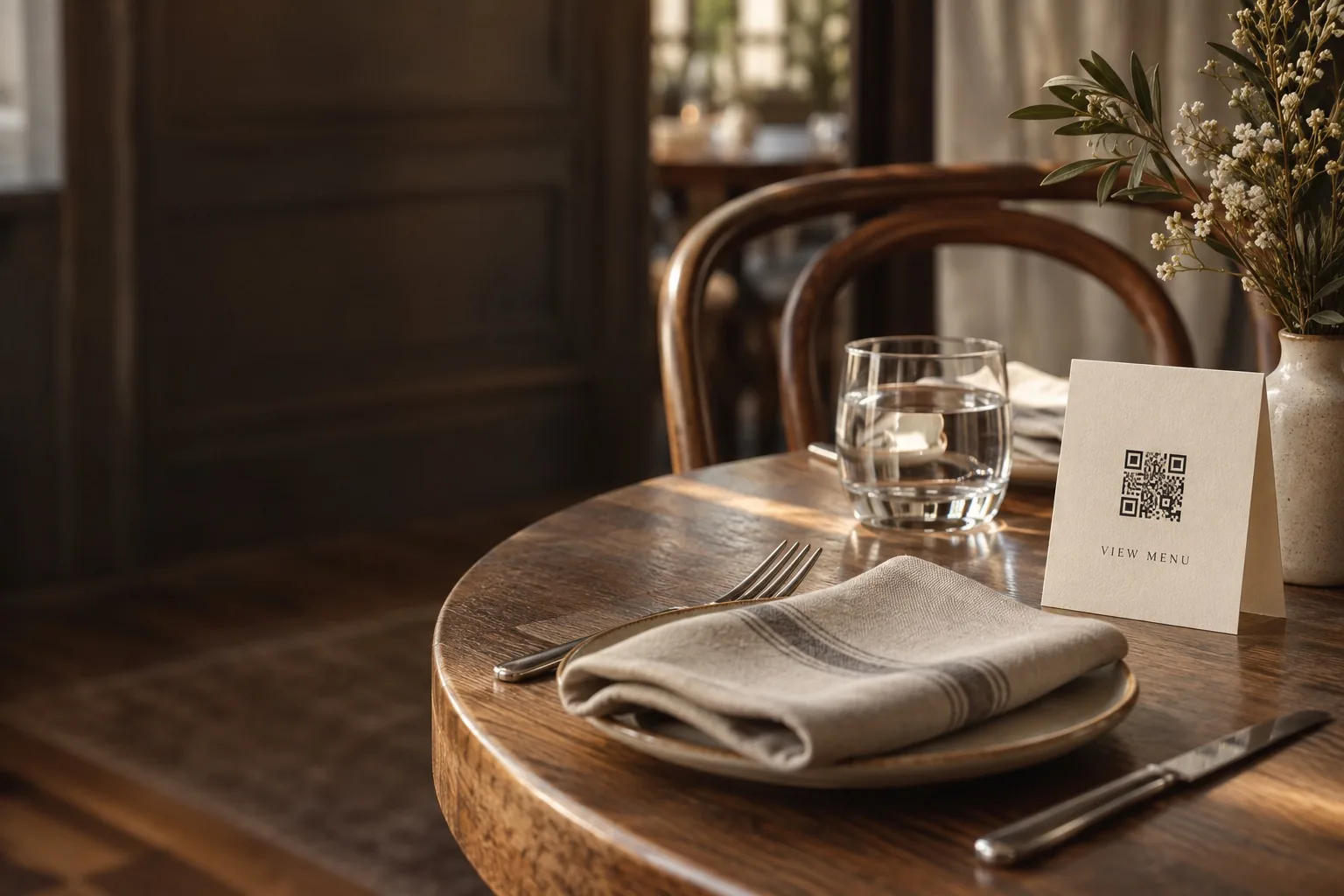 For hospitalityShare your guest Wi-Fi.
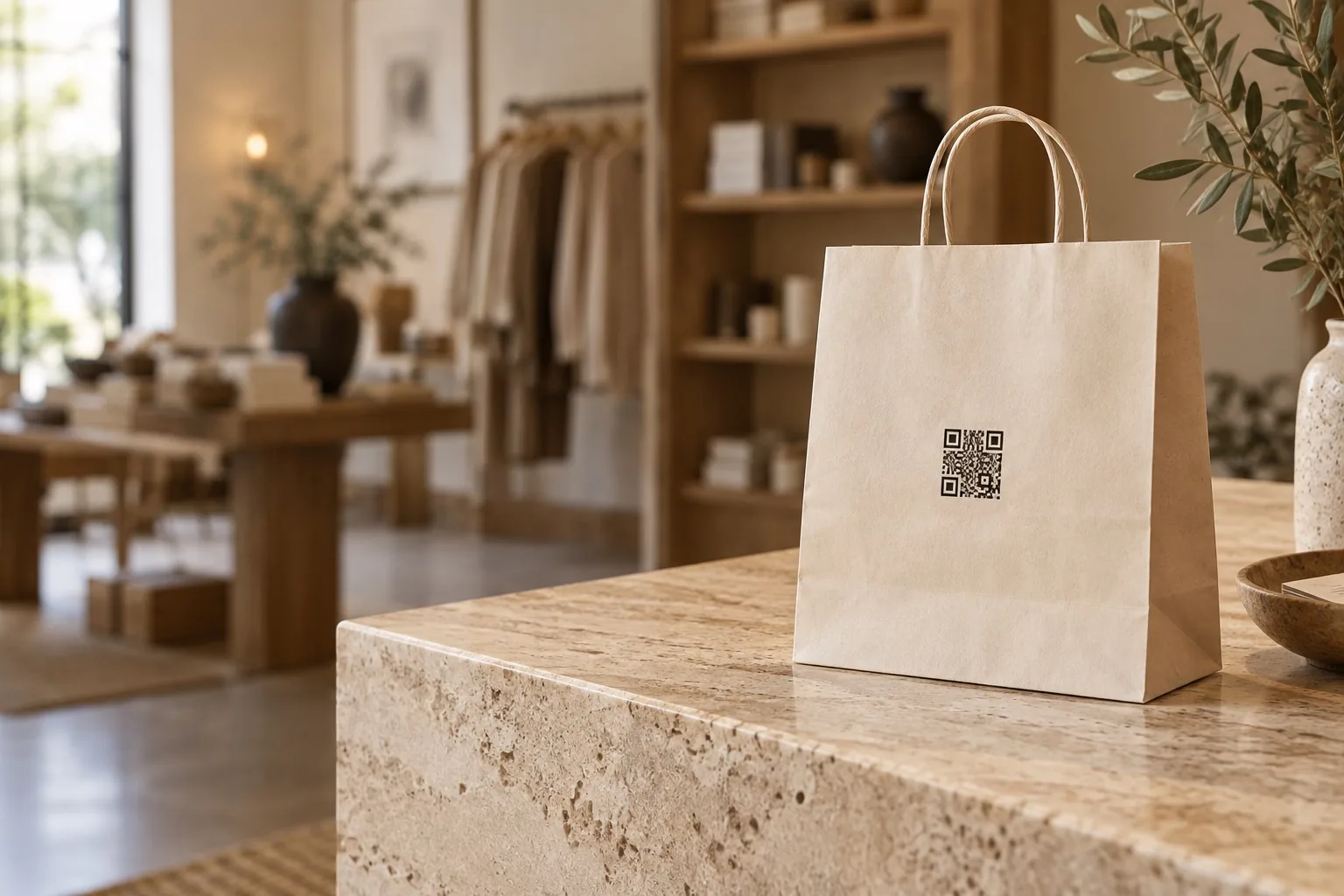 For retailCreate a printed QR card.
Add your content
Enter your website or Wi-Fi details.
Make it yours
Choose colors, a logo, and card text.
Download & share
Get your QR code or a print-ready card.
Print a QR card for a counter, desk, or guest room
Choose your content and card text
Start with a website link, or select Wi-Fi in the editor for a guest network. Add a short title, instructions, and an optional logo so visitors know what they are scanning. No signup is required.
Pick a print format
Download a 1200 × 1800 PNG for a 4 × 6 inch card at 300 ppi. For PDF, choose a 4 × 6 inch page or a US Letter sheet (8.5 × 11 inches) with one centered card and crop marks. PDF QR codes and supported text are vector; uploaded logos remain raster images.
Print at actual size and test
Select 100% or Actual Size in your print dialog. Keep the white border around the QR code and use strong contrast. Scan a printed copy with a phone before making more copies. PDF text supports English and Western European characters; use PNG for other scripts or emoji.